
Sign Up 2 min read
This guide walks through the steps a newly invited Organisation Admin or User must complete after receiving an invitation to the Trust Framework platform.
9 steps from invitation email to platform access
Receive Onboarding Email
Once you have been invited, you will receive an email from the Al Tareq Trust Framework Sandbox. This email contains a registration link — keep it to hand before proceeding.
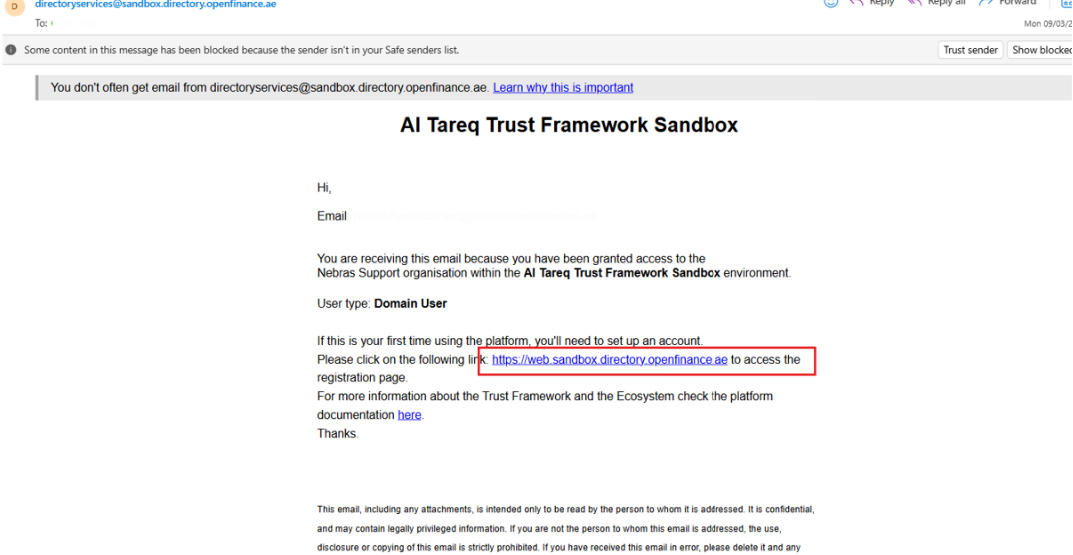
Onboarding email containing the registration link Open the Registration Link
Click on the registration link provided in the email.
Access the Sign-In Page
You will be redirected to the Trust Framework Sandbox sign-in page. Click Registration to begin the registration process.
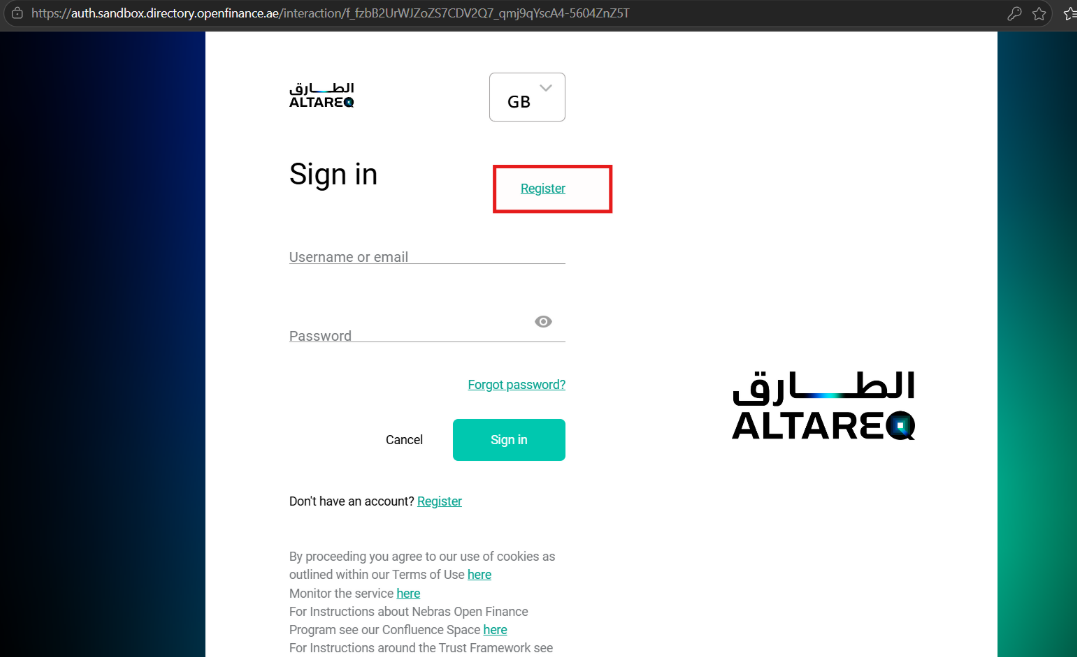
Trust Framework Sign-In Page — click Registration Complete Registration
Fill in the required registration details and submit your request.
WarningMake sure the email address you register with exactly matches the email address you were invited with.
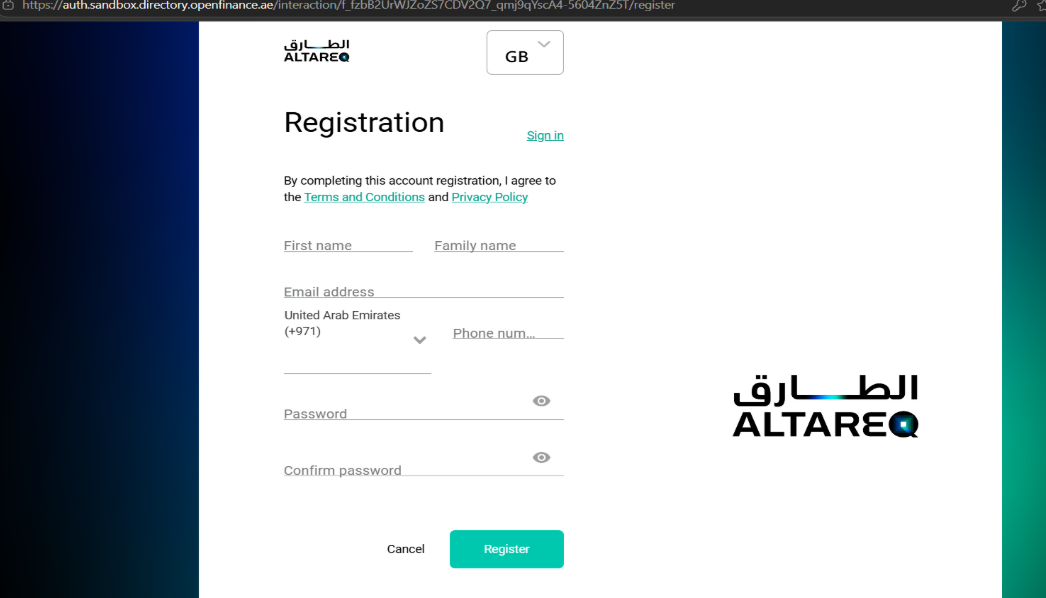
Complete Registration — use your invited email address Set Up Two-Factor Authentication
Scan the QR code displayed on screen using Google Authenticator or another authenticator app of your choice. Enter the one-time code generated by the app to complete the setup.
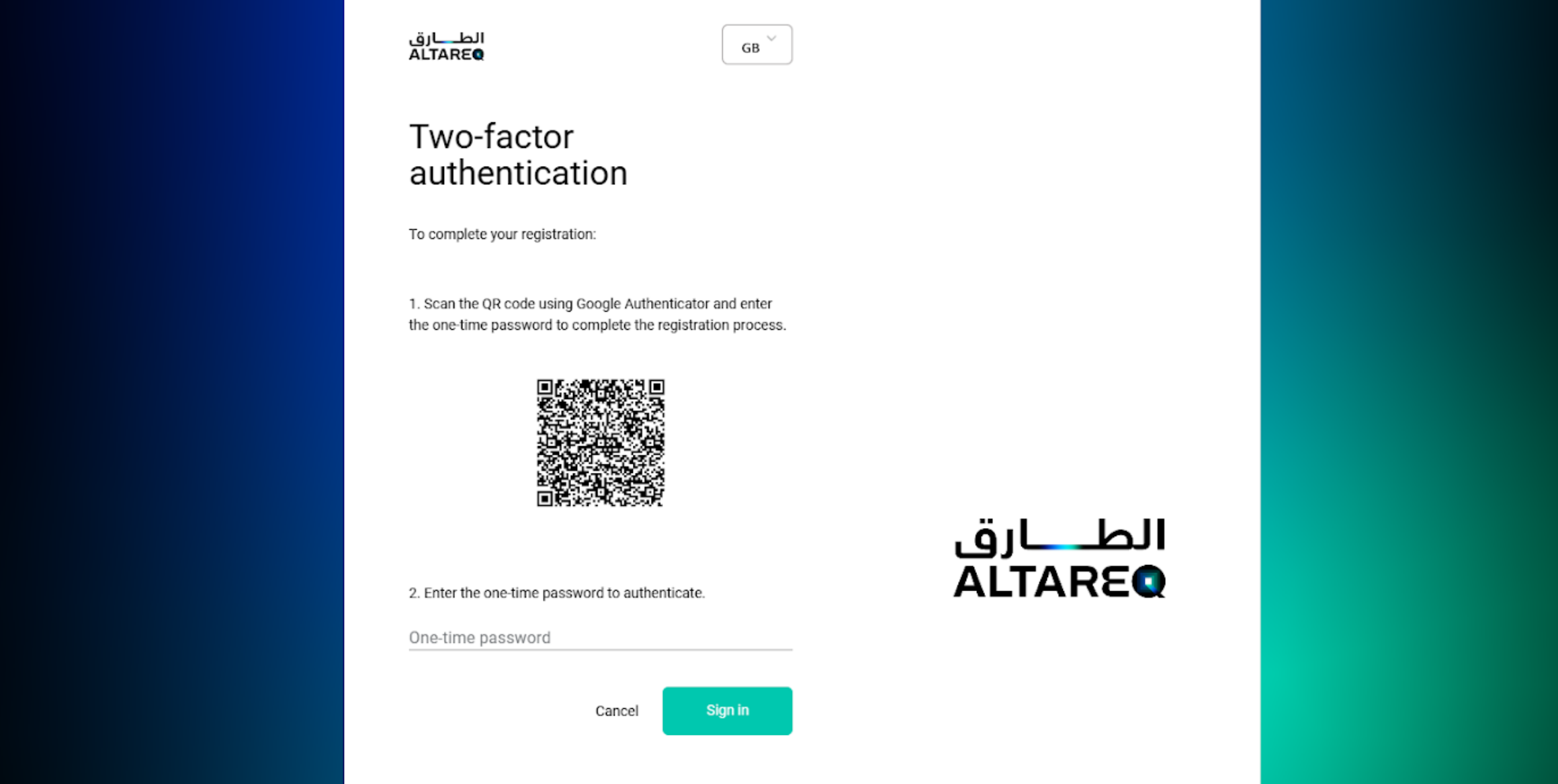
Set up Multi-Factor by scanning the QR code with your authenticator app Accept Terms of Acceptance
After successful registration, you will receive another email at your registered email address requesting you to review and accept the Terms of Acceptance from the Al Tareq Platform.
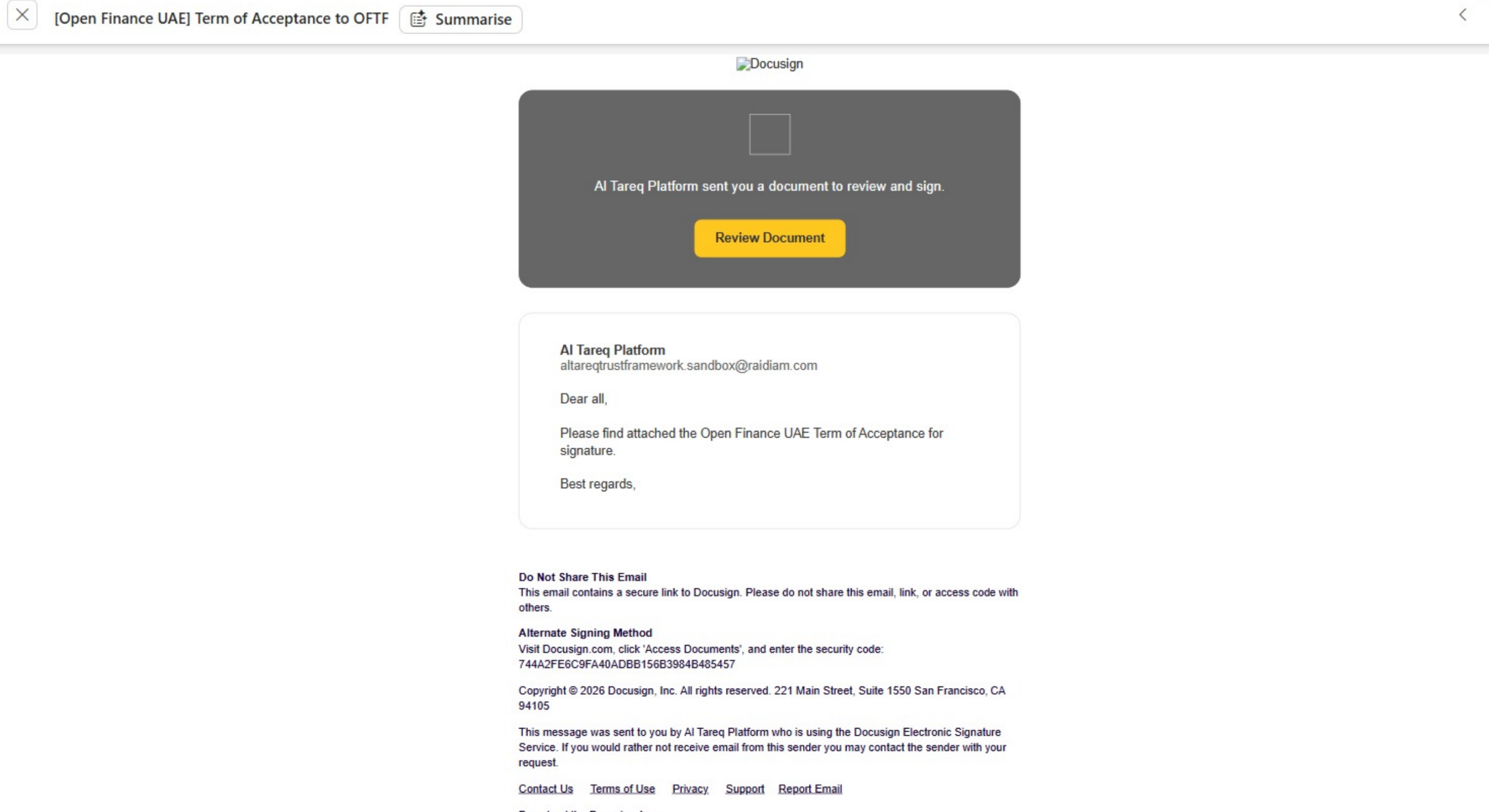
Terms of Acceptance email Review and Sign the Document
Open the Terms of Acceptance document and electronically sign it.
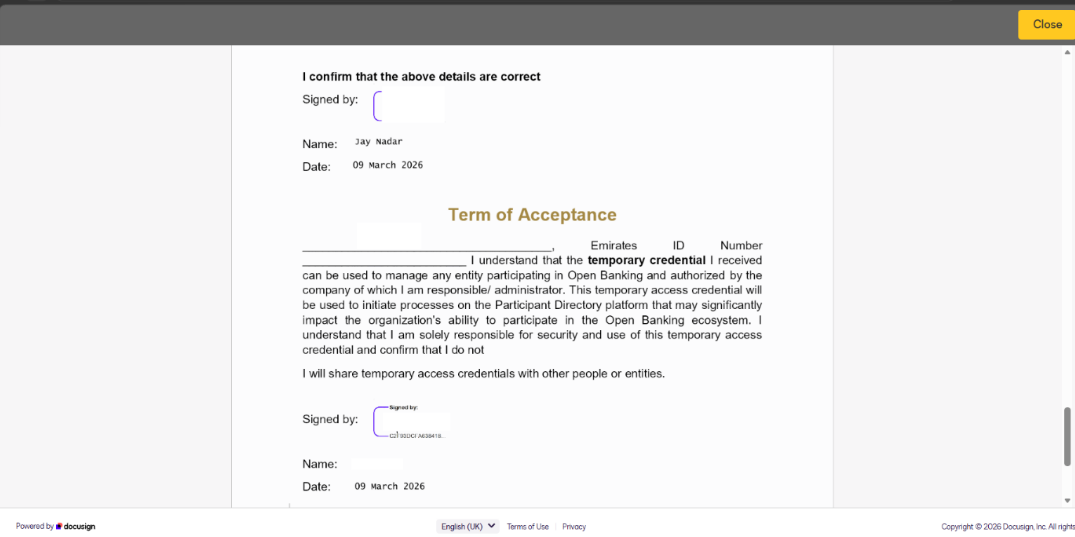
Review and sign the Terms of Acceptance Check Your Request Status
Return to the Trust Framework Sandbox portal and check the status of your registration request.
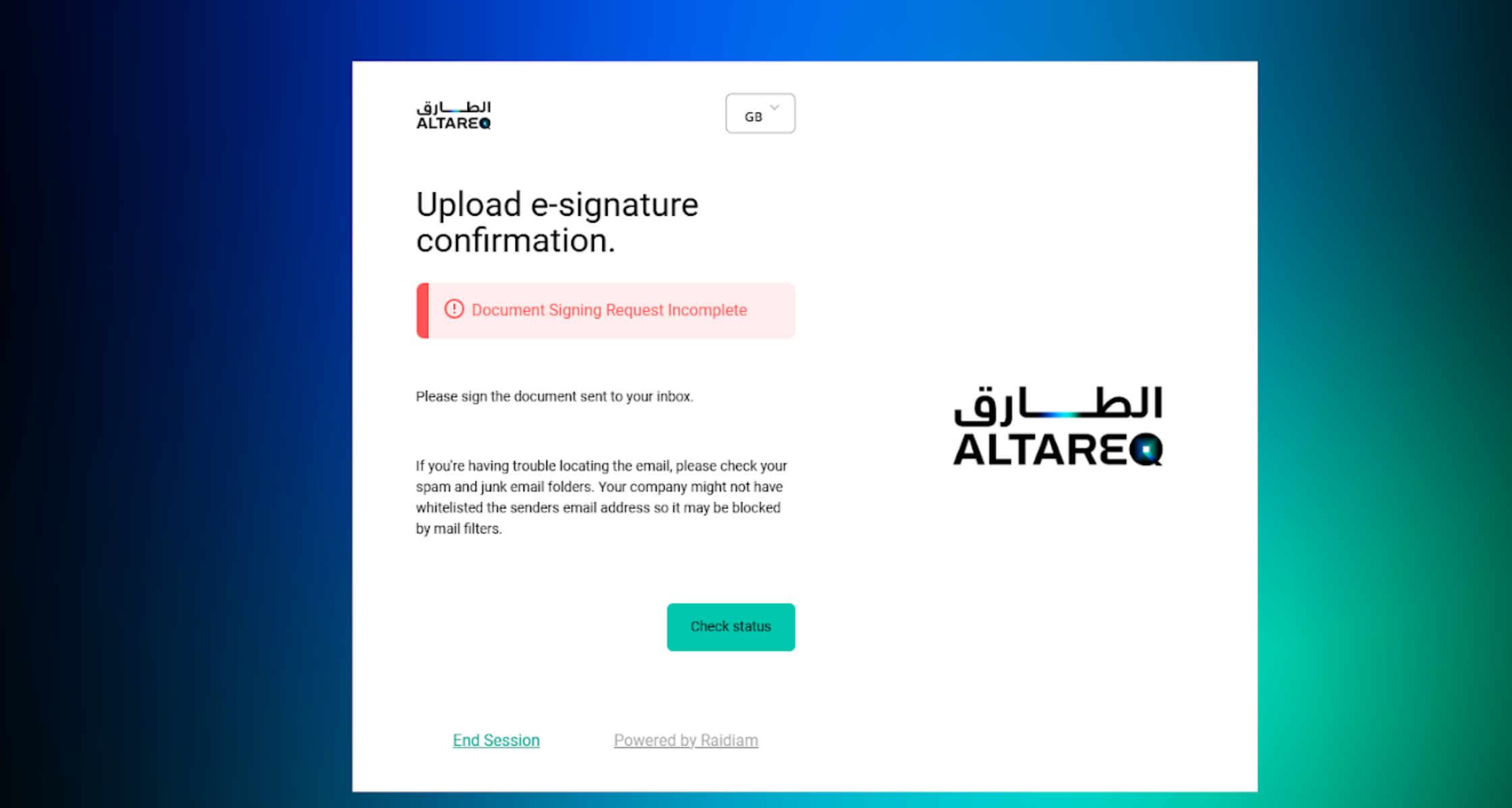
Check status in the Sandbox Portal after signing Log In to the Platform
Once the process is completed, you will be able to log in to the Trust Framework Sandbox and access the resources your role permits.